
I'm having problems with uploading images. The screen just turns gray.
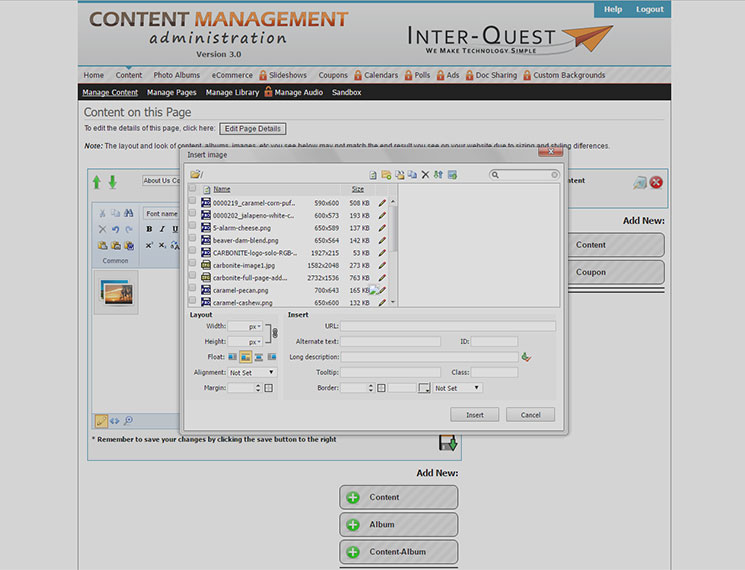
Depending on the browser you're using, there has been some issues with uploading images. There's been known problems with using Chrome. When trying to upload images using Chrome, after hitting the "Please select files to upload" button, the screen will become gray and will freeze
(see below for an example).
Recommended Fix:
Please use another browser such as Firefox or Internet Explorer to upload images. Please use the following links to download either browser.
Click here to download the Firefox browser.
Click here to download the Internet Explorer browser.
I could still use additional help.
Please fill out the form below.
Items in bold are required.